01 / 06
K-12 district operations
Pain today
Central warehouse and campus counts drift because transfers are posted late
With Stocklyst
Branches by warehouse and campus with strict transfer completion rules
Industries / Education
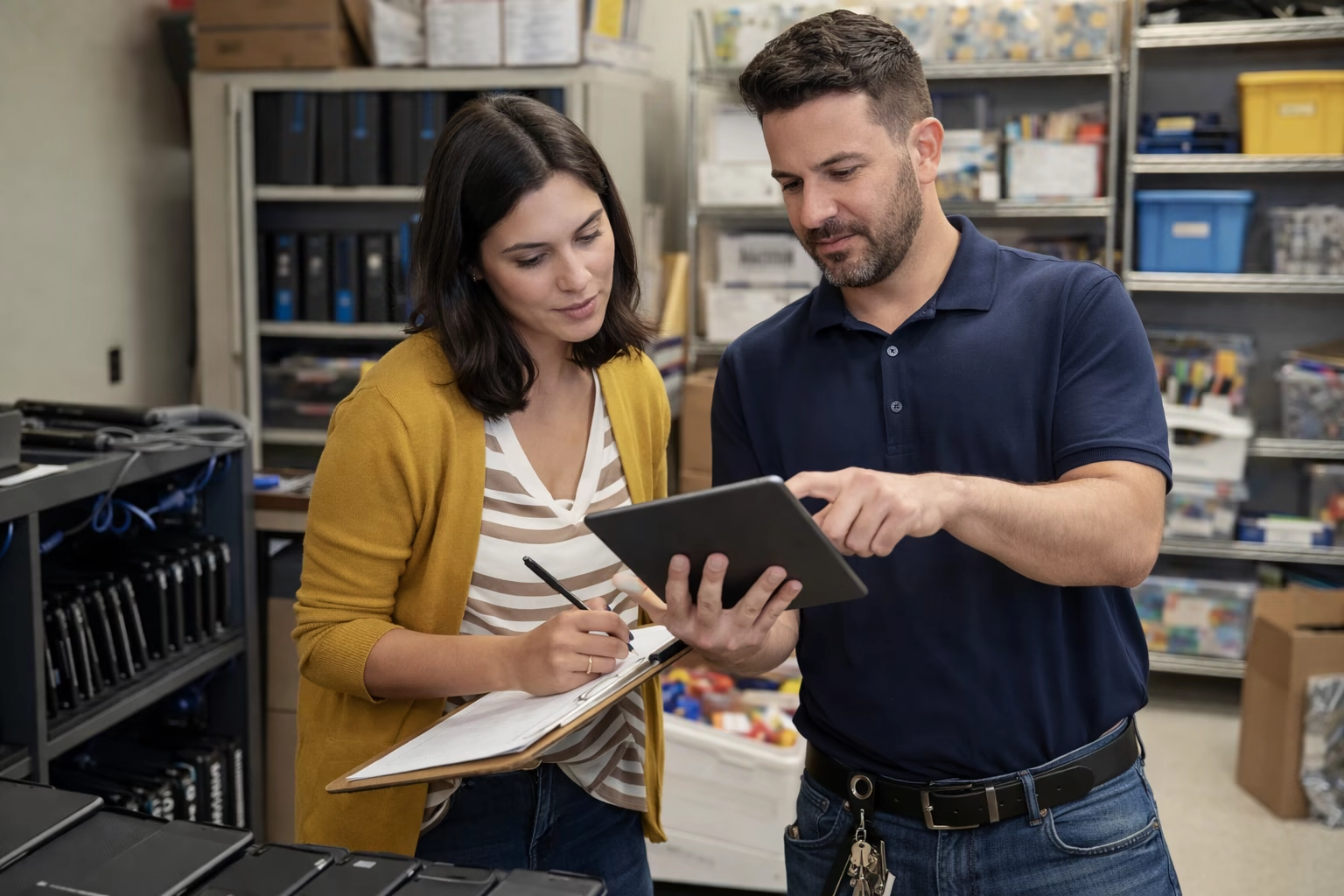
Track supplies, devices, and equipment across district warehouses, campuses, and departments with zone-level precision. Reduce stockouts before term starts, manage device checkouts, and keep labs stocked.
01 — Audience
School districts, campus operations teams, classroom supply coordinators, IT device program managers, and lab managers who need reliable stock visibility across every building and department.
02 — Setup
Start with a recommended branch and zone structure designed for education operations. Customize as you go.
03 — Challenges
04 — Solutions
AI Import Engine
Spreadsheets have inconsistent headers and mixed columns — Upload CSV or Excel files, review AI mapping suggestions, validate, and import
Auto min/max calculation
Classrooms run out of core supplies mid-term — Research-based reorder points for high-use consumables by campus, reviewed weekly
Expiry tracking
Dated lab materials are not monitored reliably — Zone-level expiry dates with automatic near-expiry monitoring for lab chemicals and dated stock
Zone-level tracking
Teams cannot locate stock across rooms and buildings — Named zones by building and room function with precise counts and required zone assignment
Bundle management
Class and lab kits are assembled manually each cycle — Create recurring kits and monitor component bottlenecks before term start
Variant management
Supply variations across departments are tracked separately — Group supply variations under one parent item with independent quantity per variant
Related item links
Lab supplies and consumables are not linked to the equipment they support — Link consumables to lab equipment so readiness for classes and experiments is visible together
Offline mobile app
Gym, lab, and annex updates are delayed by weak connectivity — Issue, return, count, and adjust offline, then sync automatically on reconnect
Activity logs
No searchable record of student checkouts and returns — Full audit trail of every adjustment, transfer, and status change with user attribution
Role-based permissions
Staff access is too broad — everyone can edit everything — Granular permissions control who can adjust inventory, view reports, and access specific campuses
05 — FAQ
Quick answers to what education teams typically ask before setting up Stocklyst.
Yes. Create a branch for each campus and the district warehouse. Use zones like Classroom Supplies, Science Lab, and Loaner Devices to separate stock. Transfers between branches track every movement.
Use the Loaner Devices zone with status tags for loaned and available devices. The barcode scanner speeds checkout, and activity logs track who checked out each device and when it was returned.
Use the native expiry date feature for shelf-life tracking. Near-expiry monitoring flags items before they expire, and the expiry report shows all dated materials approaching end-of-life across campuses.
The mobile app works fully offline. Count, adjust, and scan inventory in gyms, annexes, and basements without connectivity, then sync when you reconnect.
Use role-based permissions to restrict branch access so staff only see assigned campuses. Granular settings control who can adjust inventory, view reports, and manage settings.