
Catch column mistakes before they spread
Surface the columns that need review before one bad assumption turns into wrong inventory structure.
AI Import Engine
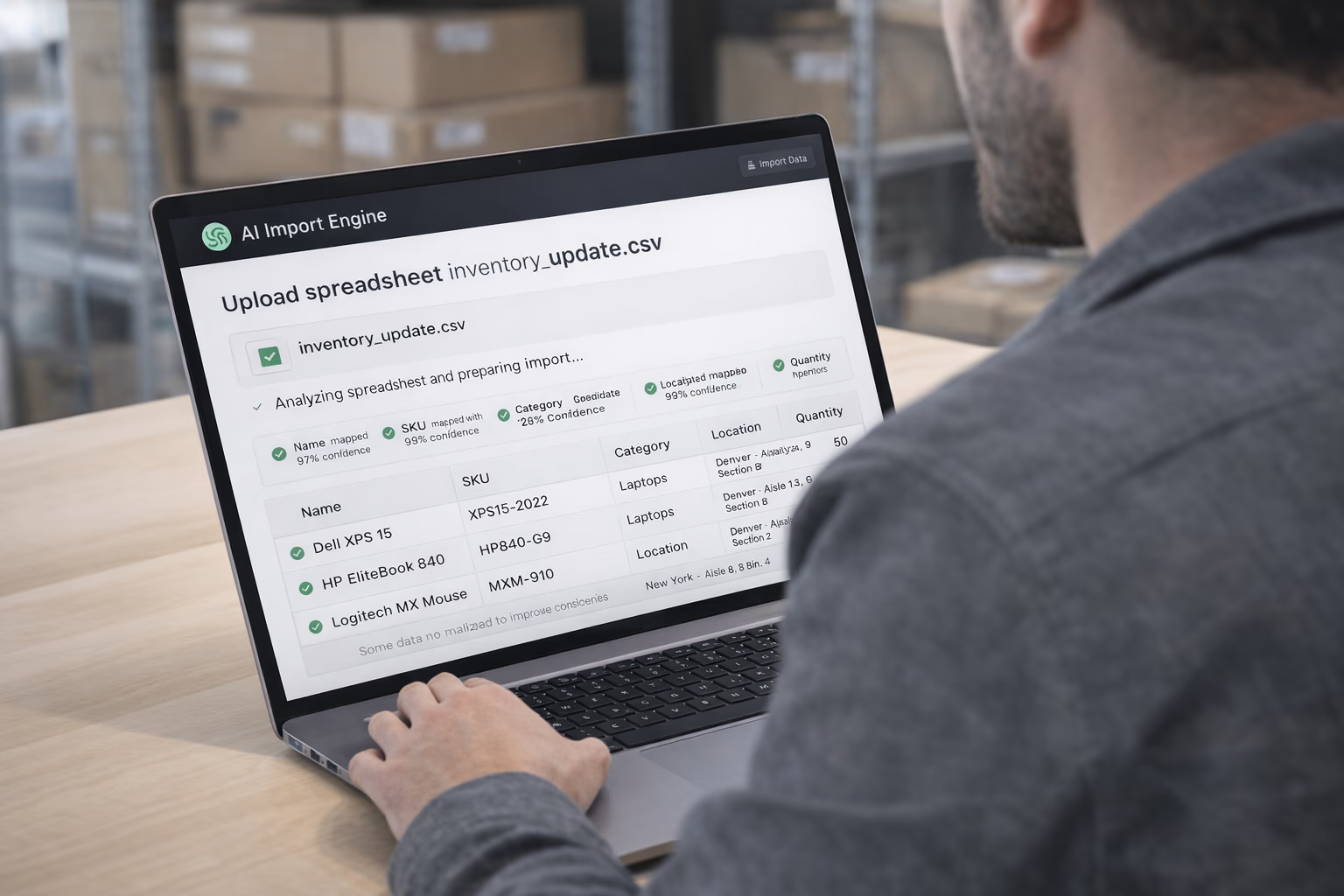
Most teams do not start with clean inventory data. Stocklyst maps messy columns, cleans obvious issues, and validates the file before anything touches live stock. The goal is not flashy AI. The goal is getting operational in one sitting.
No template rebuild
Start from the spreadsheet your team already has instead of reworking everything to fit a rigid import format.
Less manual cleanup
Catch obvious naming, formatting, and structure issues before they turn into live inventory problems.
Faster go-live
Most teams can import, review, and start working in one session instead of burning days on prep work.
Operator review stays in control
The system narrows the messy parts, but the team still decides before inventory is written.
01 — Go live fast
The import workflow is built for operators, not analysts. It narrows the work to the few decisions that actually need a human.
01
Start with the spreadsheet the business already works from, even if the structure is messy and inconsistent.
02
Stocklyst maps likely columns and highlights the places where the file needs operator review.
03
Instead of cleaning every row by hand, the team focuses on the fields that could affect inventory truth.
04
Once the structure looks right, the team can write inventory without turning the setup into a separate project.
02 — Before the write
Column mapping is only part of the job. The real value is catching missing fields, inconsistent naming, and branch-versus-brand mistakes before bad data lands in live stock.
Surface the columns that need review before one bad assumption turns into wrong inventory structure.
Prevent branch, brand, and supplier data from collapsing into the wrong field and weakening stock truth.
Clean obvious date, currency, whitespace, and unit inconsistencies before they become live inventory noise.
Flag the records that would leave the team with incomplete item, location, or quantity information.
Catch duplicate SKUs, rule conflicts, and row-level inconsistencies before they spread through the workspace.
Narrow the review so operators spend less time cleaning and more time getting the inventory live.
03 — Real operational language
Real files use local names, bad abbreviations, and team-specific labels. Stocklyst tries to interpret what the column means before it decides where the data belongs.
Restaurant
“Walk-in Fridge” → Zone
Storage areas become zones for temperature-aware stock placement.
Retail
“Store Location” → Branch
Each store becomes a branch with its own inventory posture.
Hospital
“Wing” → Branch
Departments and wings map cleanly to operational locations.
Construction
“Job Site” → Branch
Live project sites become branches with material zones inside them.
Manufacturing
“Assembly” → Bundle
Assembled outputs can be mapped as bundles with component tracking.
Hospitality
“Room Setup Kit” → Bundle
Repeatable room kits group linens, amenities, and consumables together.
04 — Operator control
Some teams want the shortest path to import. Others want a tighter review step. Both paths keep the operator in control before inventory is written.
Best when the file is close enough and the goal is to get operational quickly with light checks.
Best when the team wants tighter validation before writing inventory into a live operational system.
05 — FAQ
No. Stocklyst's AI reads your file as-is and maps columns to inventory fields automatically. You can use any column names, any order, and any language.
Excel (.xlsx, .xls) and CSV files are supported. The AI handles multi-sheet workbooks by letting you choose which sheet to import.
The AI analyzes column names, sample values, and data patterns to build the best-fit mapping. Confidence scores show what should be reviewed before import.
Yes. The engine is industry aware. It can interpret terms like walk-in fridge, wing, job site, and room setup kit, then map them to the right Stocklyst entity.
The import flow strips currency symbols, normalizes date formats, handles empty or duplicate rows, and flags anything it cannot resolve safely.
AI import is included in paid plans. Each import uses AI tokens from your plan's monthly allocation and usage is shown during the workflow.